Check-in & Check-out
Check-in without the queue. Check-out without the wait.
Guests complete check-in on their phone or at a kiosk in your lobby, pay securely, check out online and tell you how their stay was. All connected to your PMS.
Check-in
Pre-check-in, done before arrival.
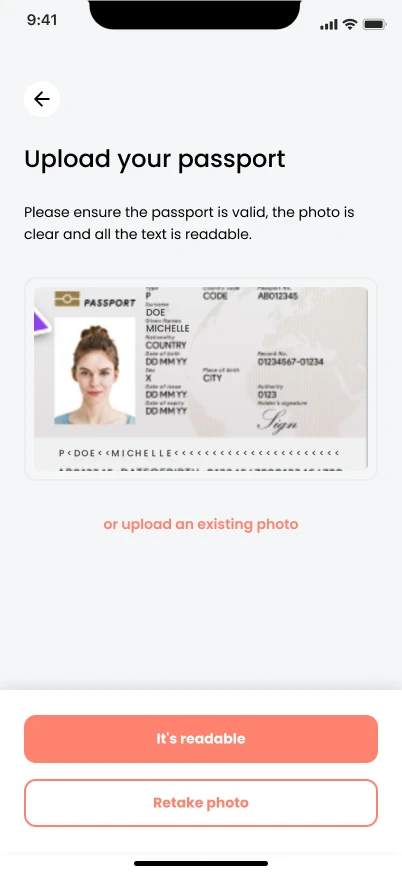
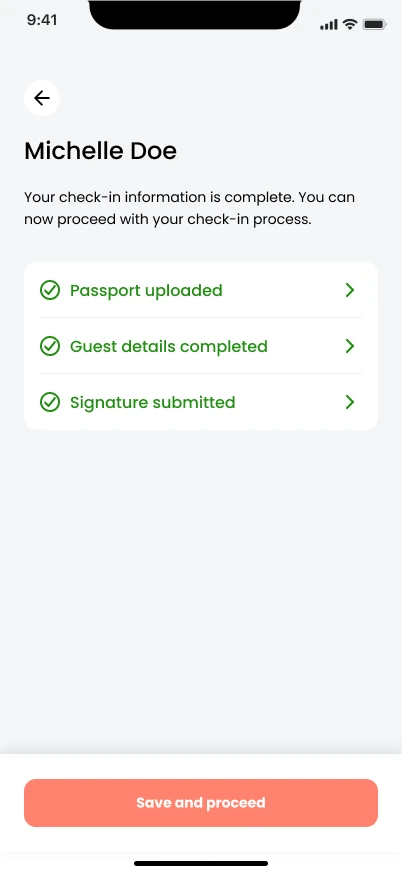
Online check-in opens a few days before arrival. Guests find their booking with a code or their name, then complete everything for every person in the party.
- Booking lookup by code, name or room number
- Details for all guests, including companions and children
- ID scan that fills in the guest’s details automatically
- Digital signature and registration cards
Configuration
Your form, your country, your rules.
Each hotel decides which fields are shown and which are required, from date of birth and nationality to document details, purpose of stay or Schengen visa. Add your own questions in several languages.
- Configurable fields, required or optional
- Country-specific fields such as the Italian tax code or license plate
- Custom questions: text, number, checkbox or dropdown
- Company invoice details for business guests
Kiosk
On their phone, or at a kiosk in your lobby.
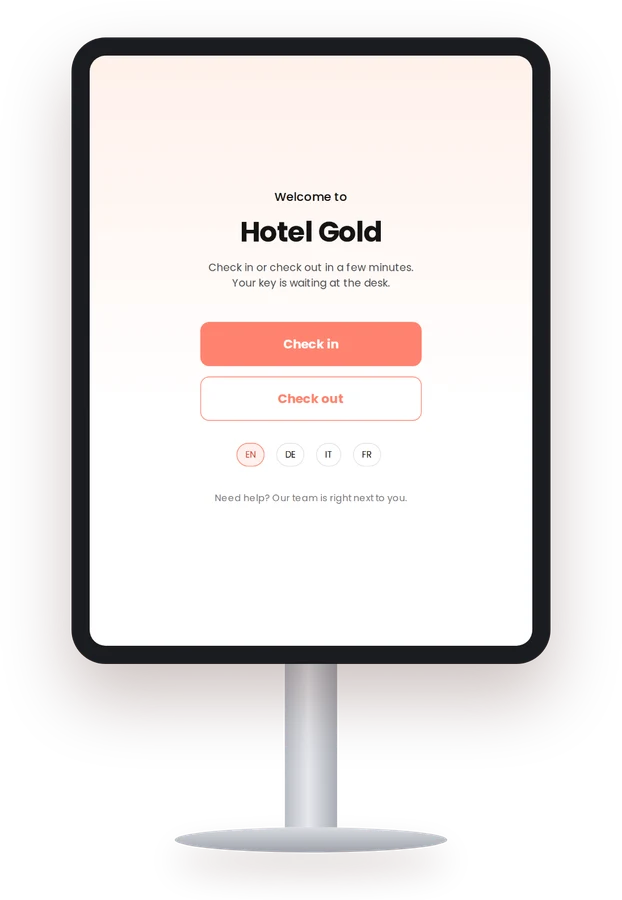
Not every guest wants to check in on their phone. The same flow runs on a kiosk in your lobby, locked with a PIN, with your staff on hand whenever help is needed.
- Same check-in on mobile and kiosk
- Screen lock with PIN for lobby use
- Staff assistance whenever needed
Payments
Payments built into the journey.
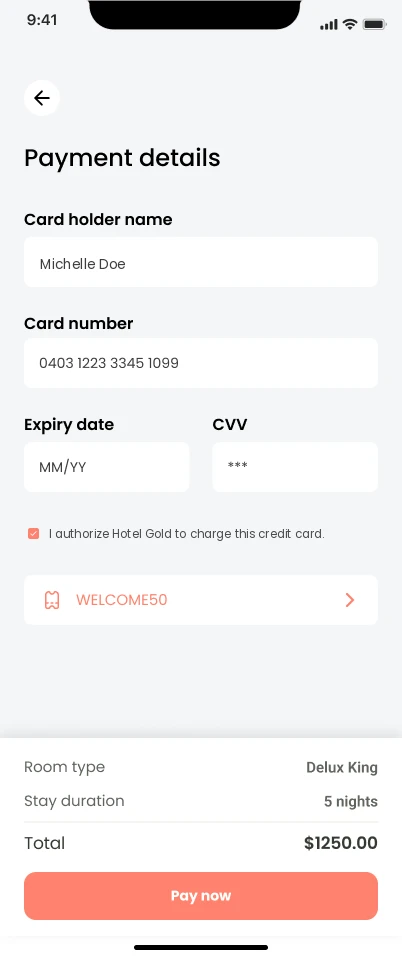
Deposits and balances are paid inside check-in and check-out, without a redirect. Cards are stored securely for later, and payments are posted to the guest folio in your PMS.
- Deposit rules: percentage, fixed amount or full deposit
- Card authorization, then capture or release
- Securely saved cards for check-out
- Automatic posting to the guest folio
Check-out
Check-out on the way to the airport.
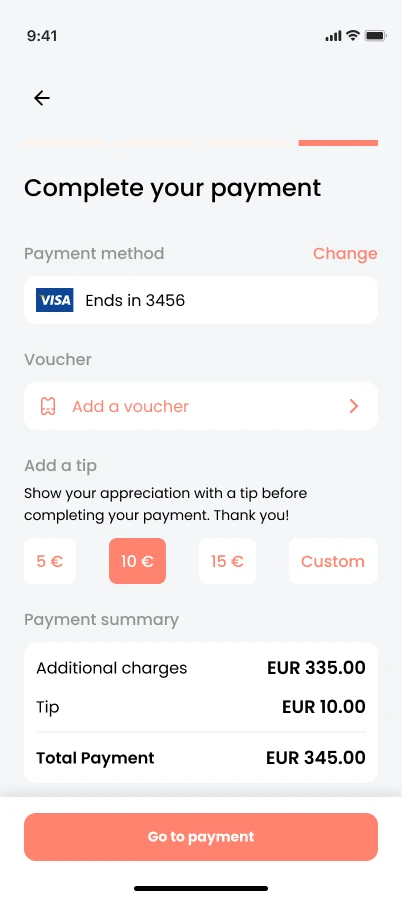
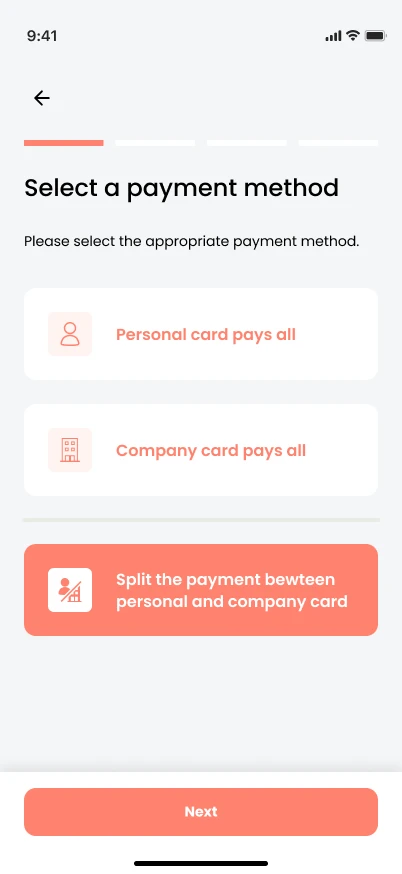
Guests review their booking and additional charges line by line, then pay with one card or split between a personal and a company card. A tip and a voucher are one tap away.
- Booking and additional charges, line by line
- One card, or split between personal and company card
- Vouchers and tips
- E-receipt right after payment
Feedback
Feedback that turns into reviews.
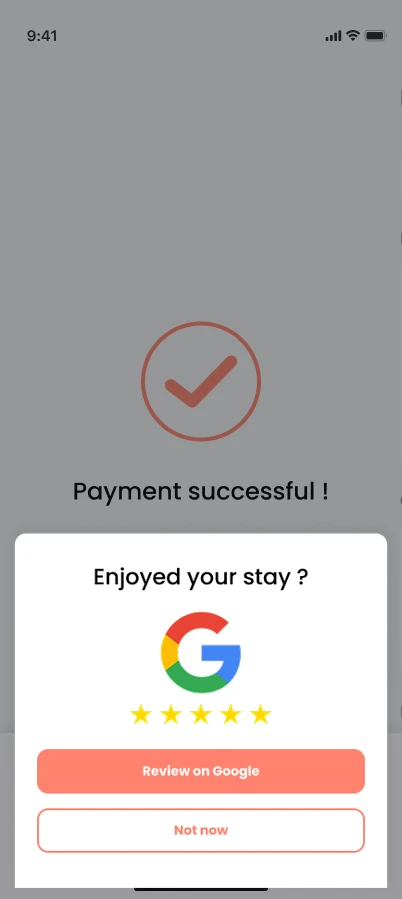
After check-out, guests rate their stay. Those who give four or five stars are invited to share it on Google, and you can link to your own survey as well.
- Star rating after check-out
- Google review invitation for happy guests
- Optional link to your own survey
- Post-stay email at the time you choose
See it with your own hotel in mind.
Book a 20-minute demo. We walk you through the parts that matter most to you and show how they connect to your systems.